
Citadel
Claims
Group.
citadelclaimsgroup.com ↗
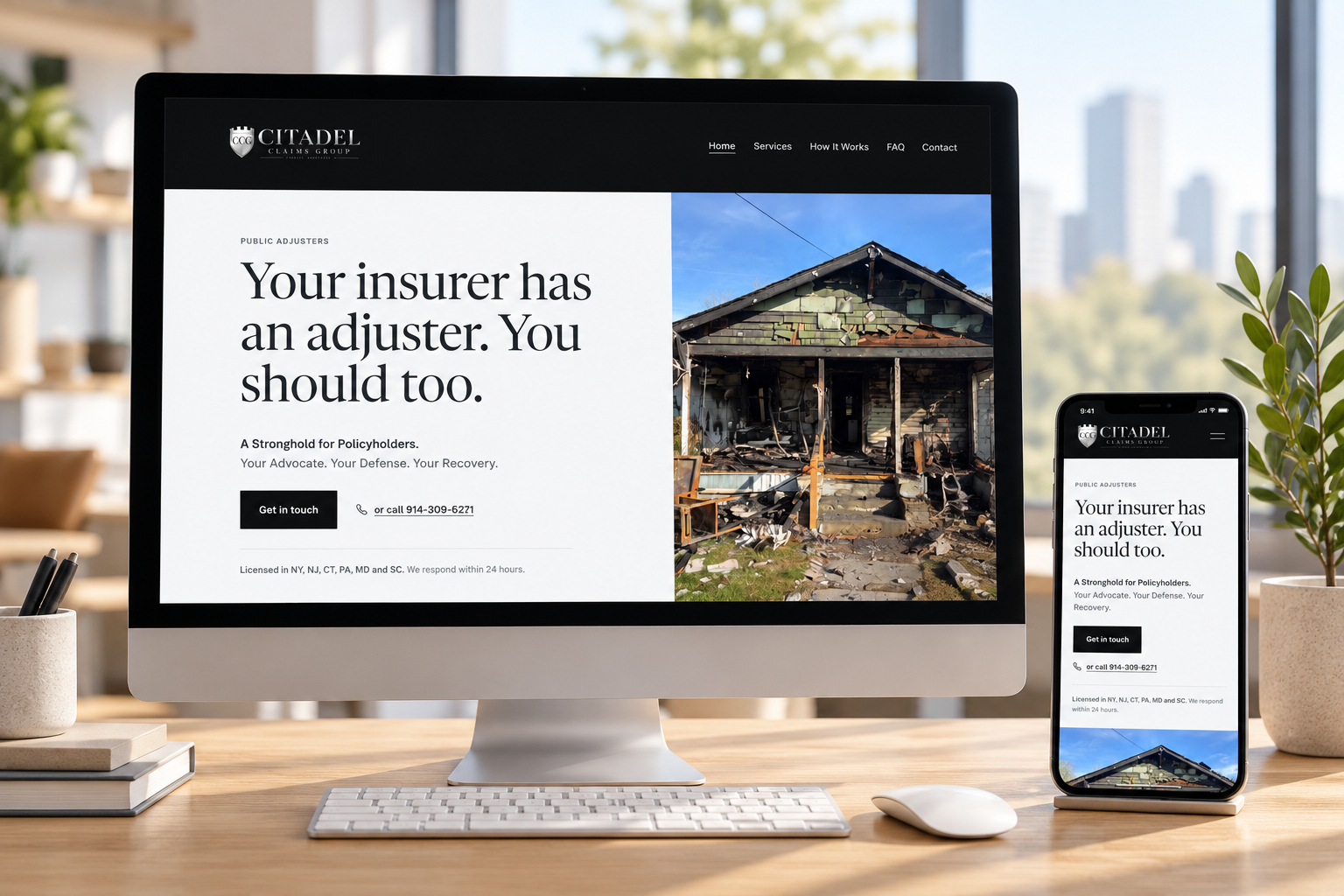
A brand identity and website for Citadel Claims Group — a new public adjusting firm that represents homeowners, businesses and building owners on property damage claims. The site had to explain what a public adjuster does, earn trust without a single review, and turn a stressful moment into a phone call.
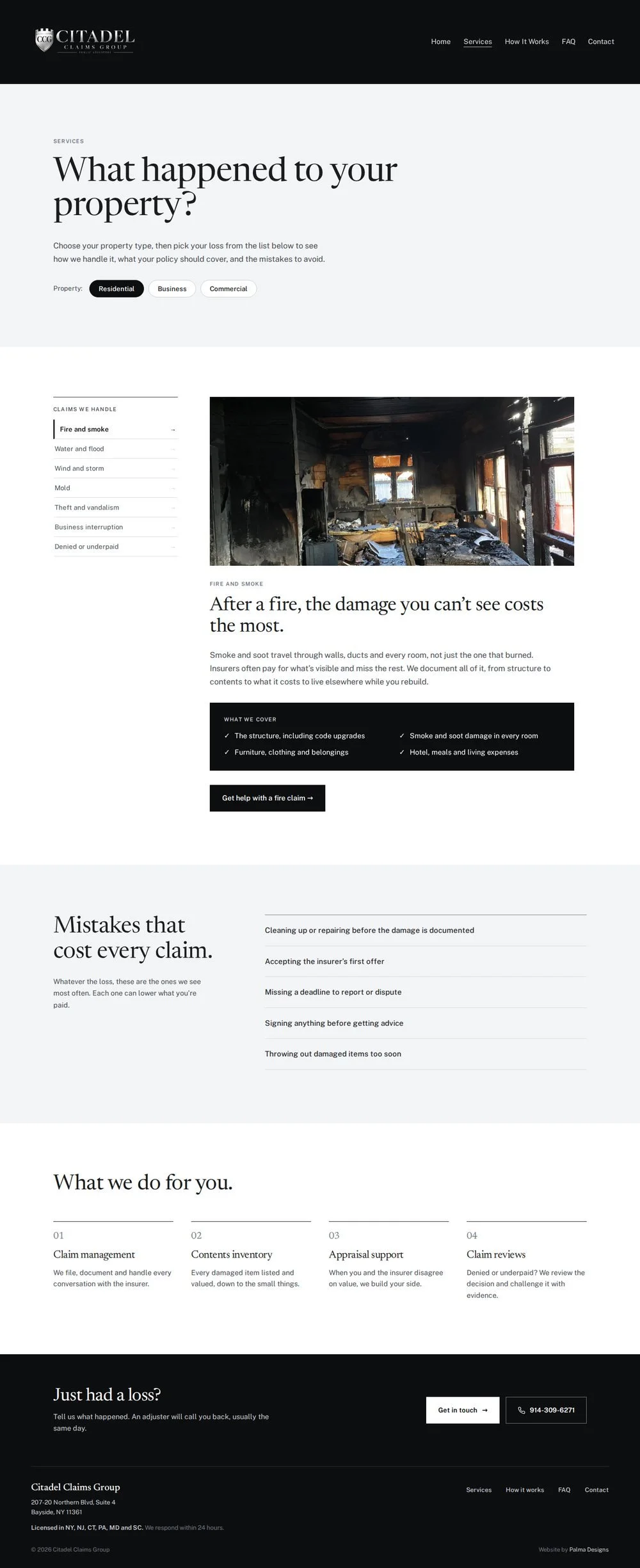
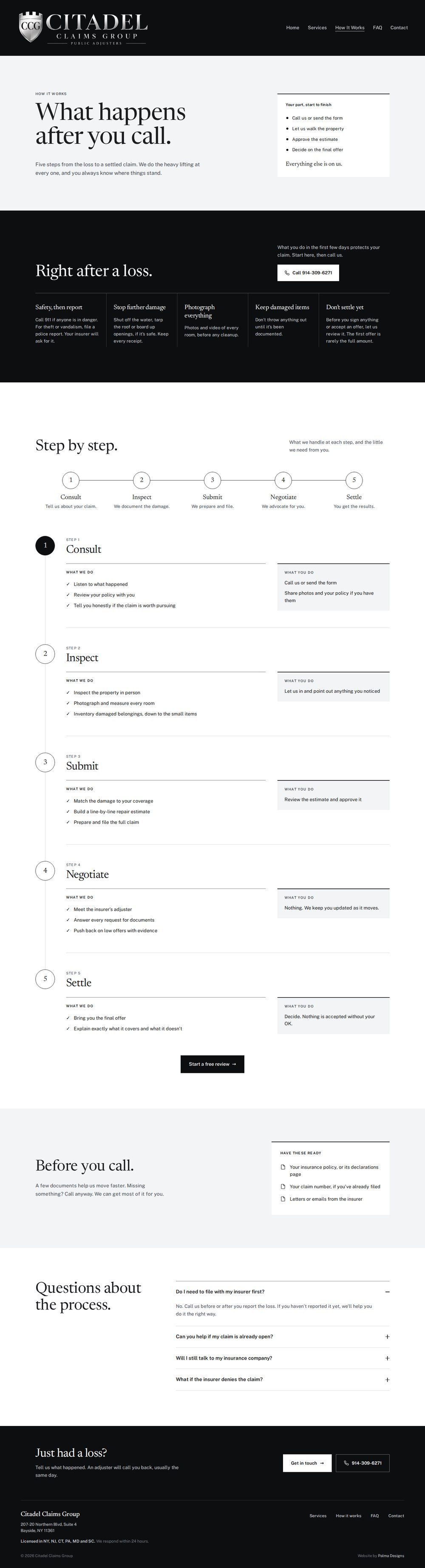
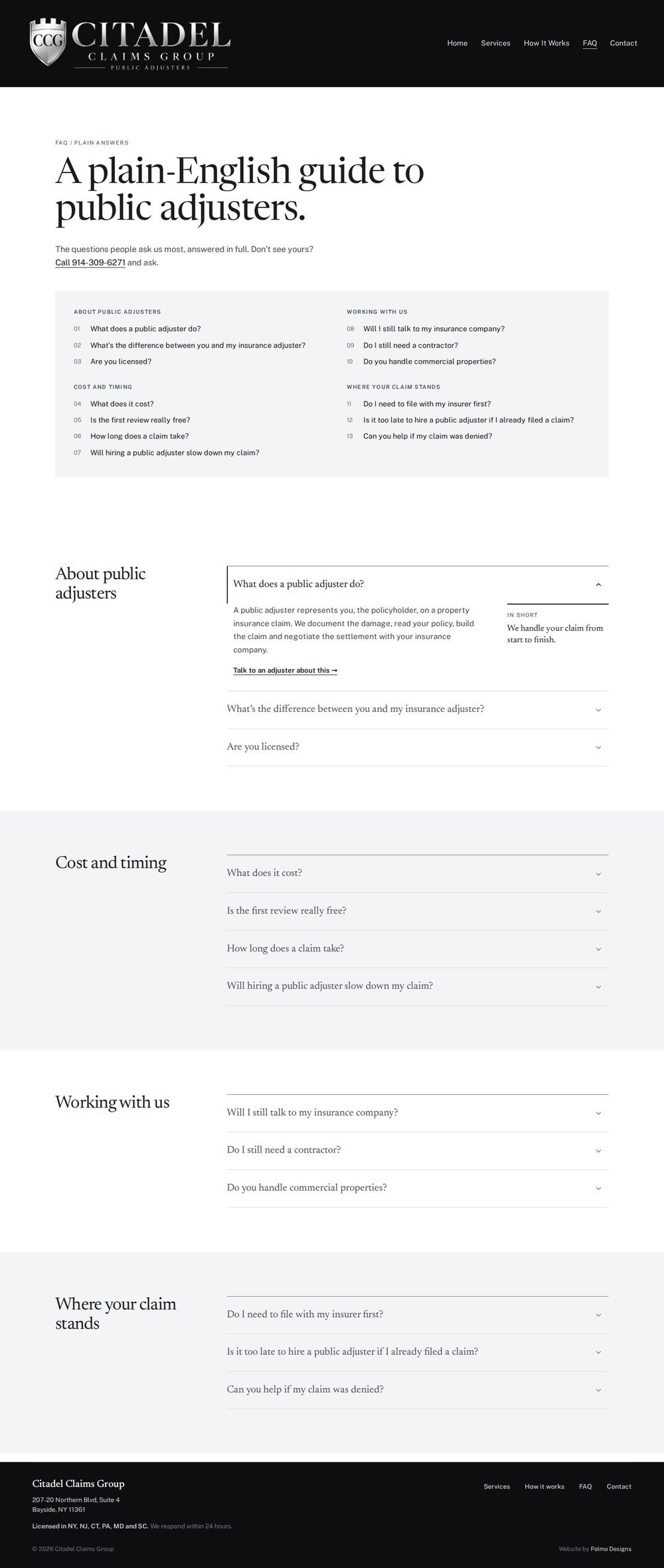
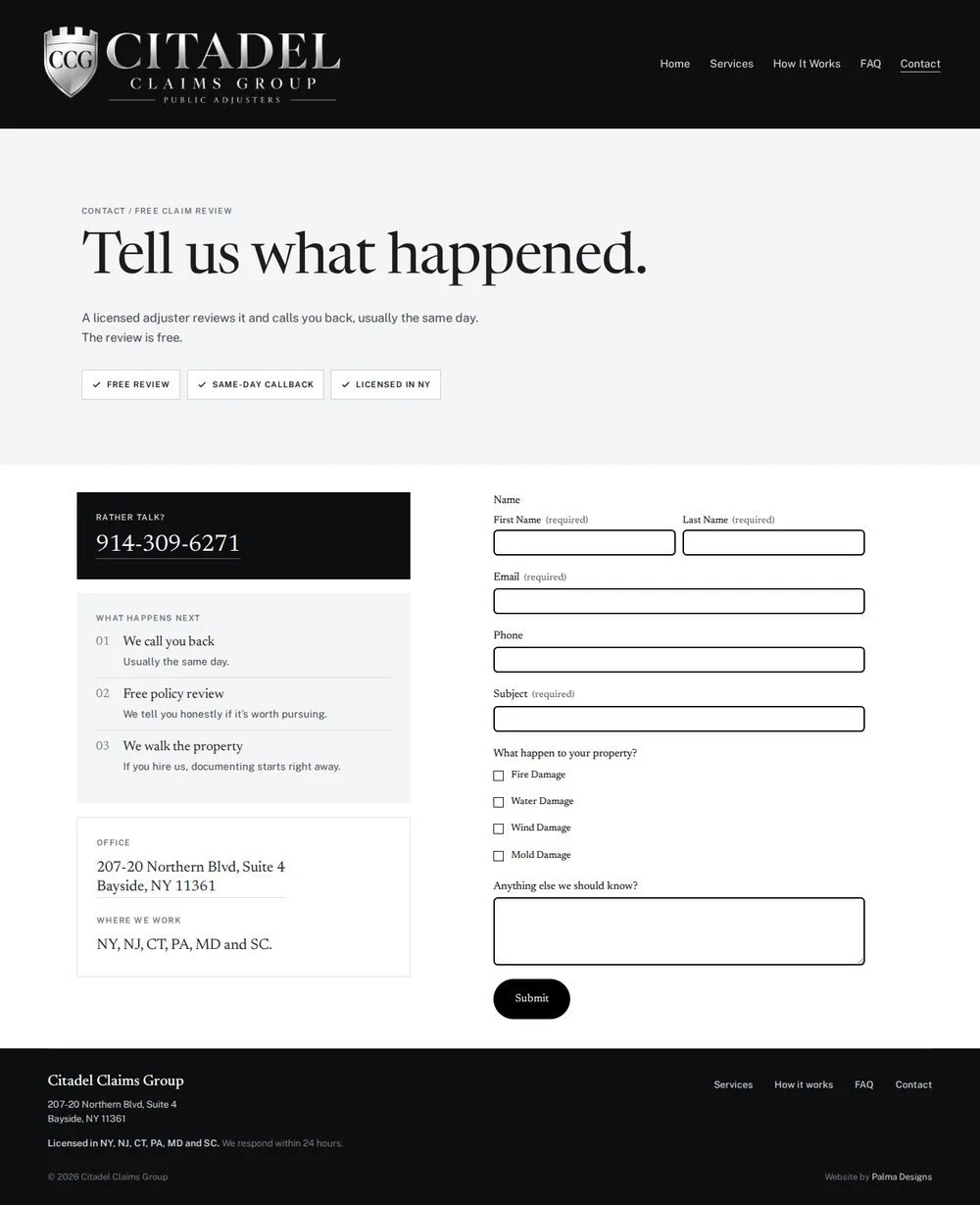
The work ran from research and site mapping through wireframes, four design iterations in Figma, and a custom Squarespace build: a claim switcher, a scroll-drawn process timeline, hover-to-open FAQs and a three-step claim form — all set in a black-and-silver system taken straight from the logo.

New firm.
No track record.
Citadel launched with no reviews, no settlement history and no existing website — in a category where most people don't know public adjusters exist until the day they need one. The site couldn't lean on testimonials or results; it had to build trust through clarity, education and a real, licensed person.
Every project starts with questions, not layouts. Before any wireframe, the client answered a short questionnaire about who they serve, when people call, and what visitors misunderstand.
Nine questions sent to the client before design began.
- How would you describe your company and what you do in one or two sentences?
- Who is your primary client — homeowners, commercial property owners, or both?
- At what point do clients usually contact you — before filing a claim, during the process, after receiving a low settlement, or after a denial?
- What types of insurance claims do you handle most often?
- Which services or types of claims are the most important for you to promote?
- What makes your company different from other public adjusters? Why do clients choose you?
- What is the main action you want someone visiting the website to take — call, submit a claim form, schedule a consultation?
- What are the most common questions or concerns potential clients have when they first contact you?
- What are the biggest misconceptions people have about what a public adjuster does or why they might need one?
Everyone is blue.
Six public adjuster sites in the same market were reviewed for color, type, imagery and structure. The pattern was immediate: navy, deep blue or teal, often with an orange "call now" button, stock photography and long pages that repeat themselves.
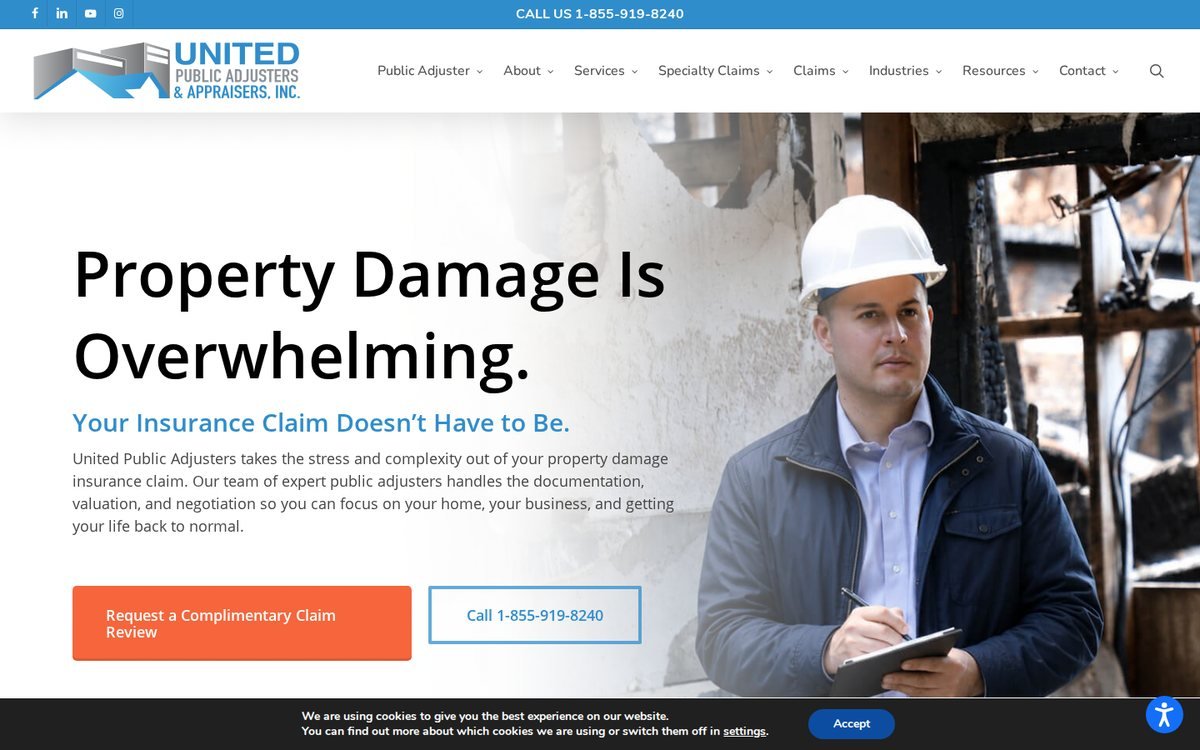 United Public Adjusters
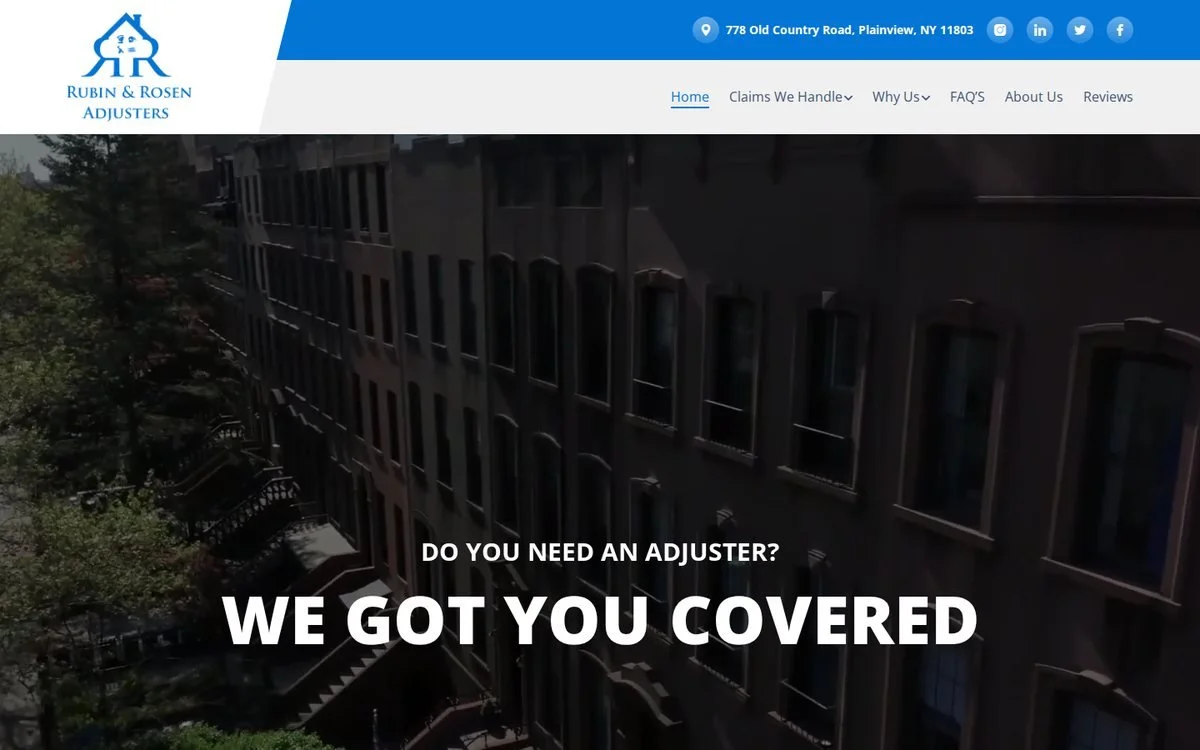 Rubin & Rosen
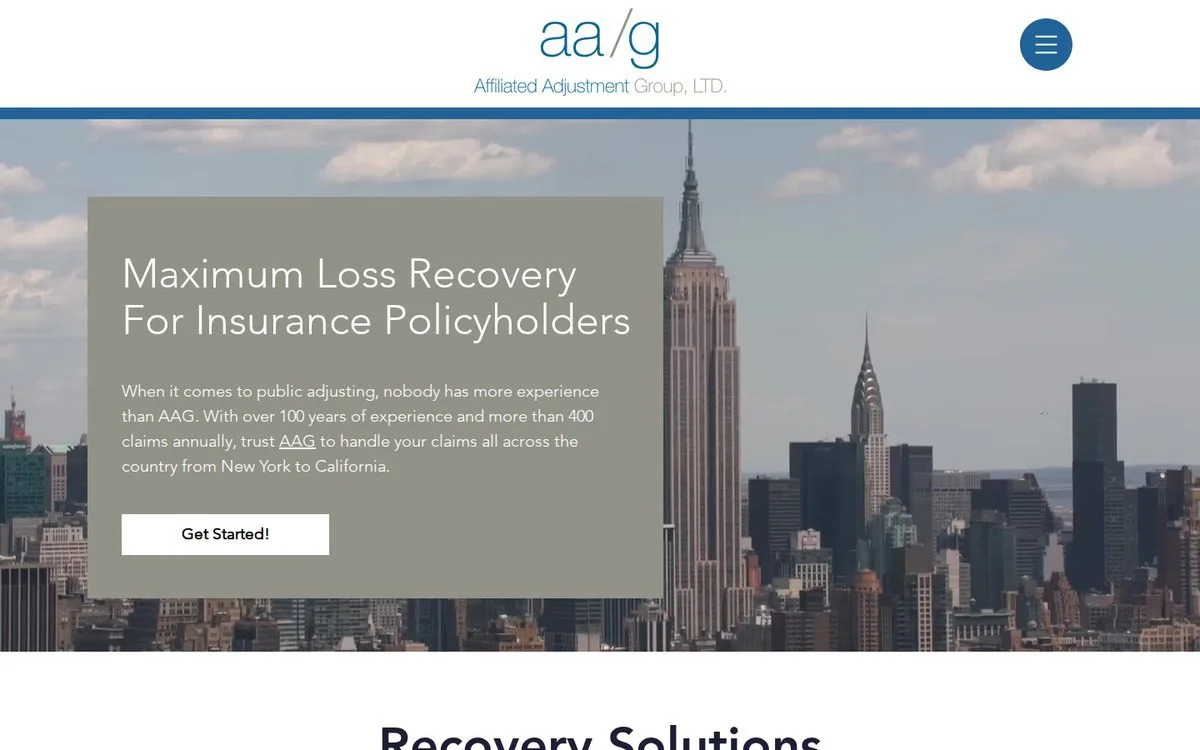 Affiliated Adjustment Group
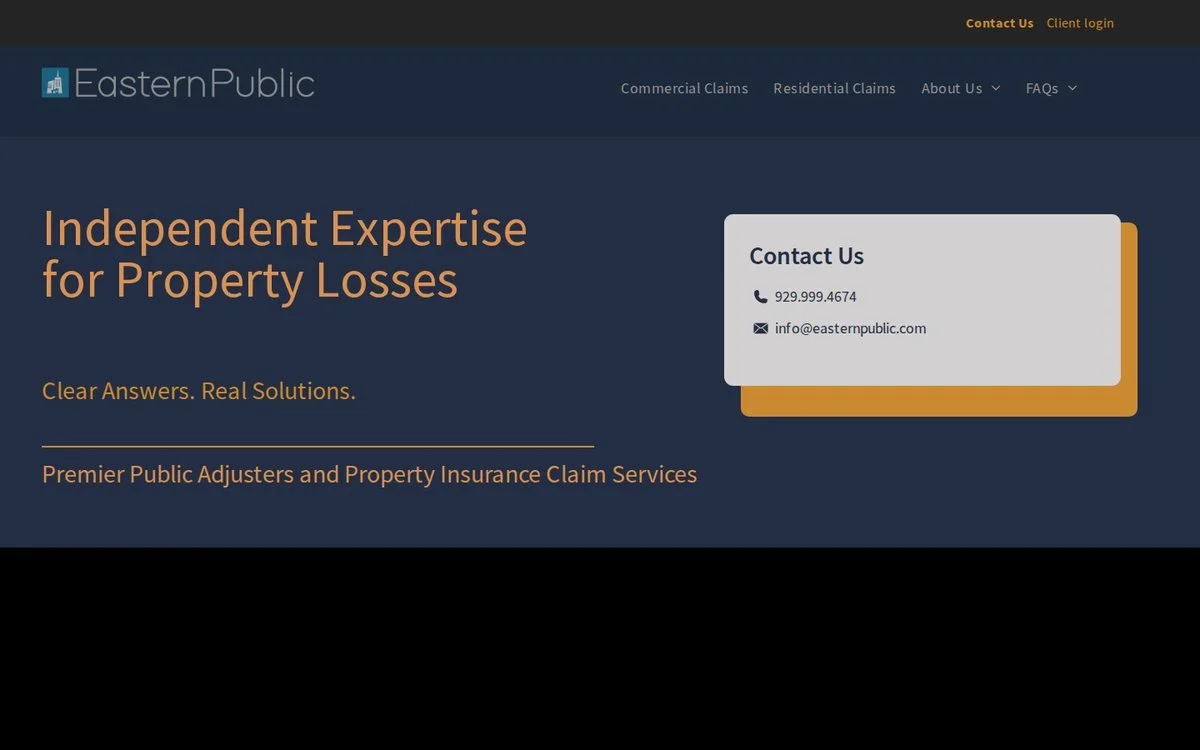 Eastern Public
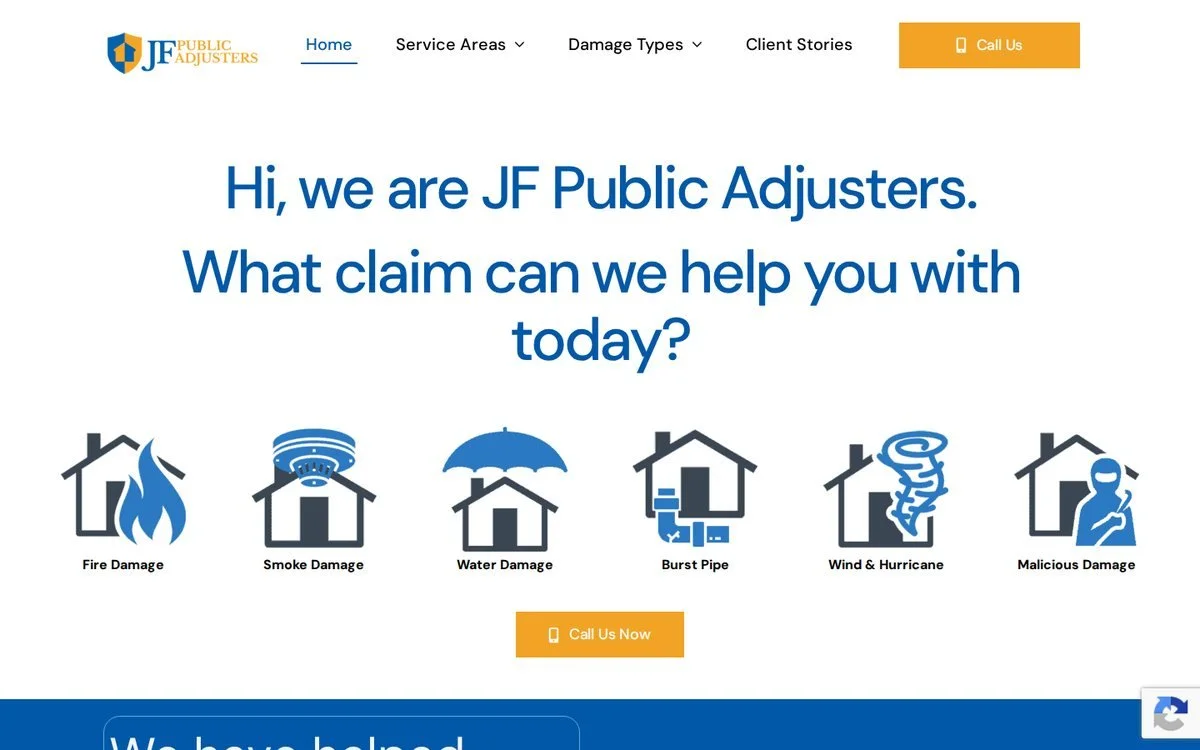 JF Public Adjusters
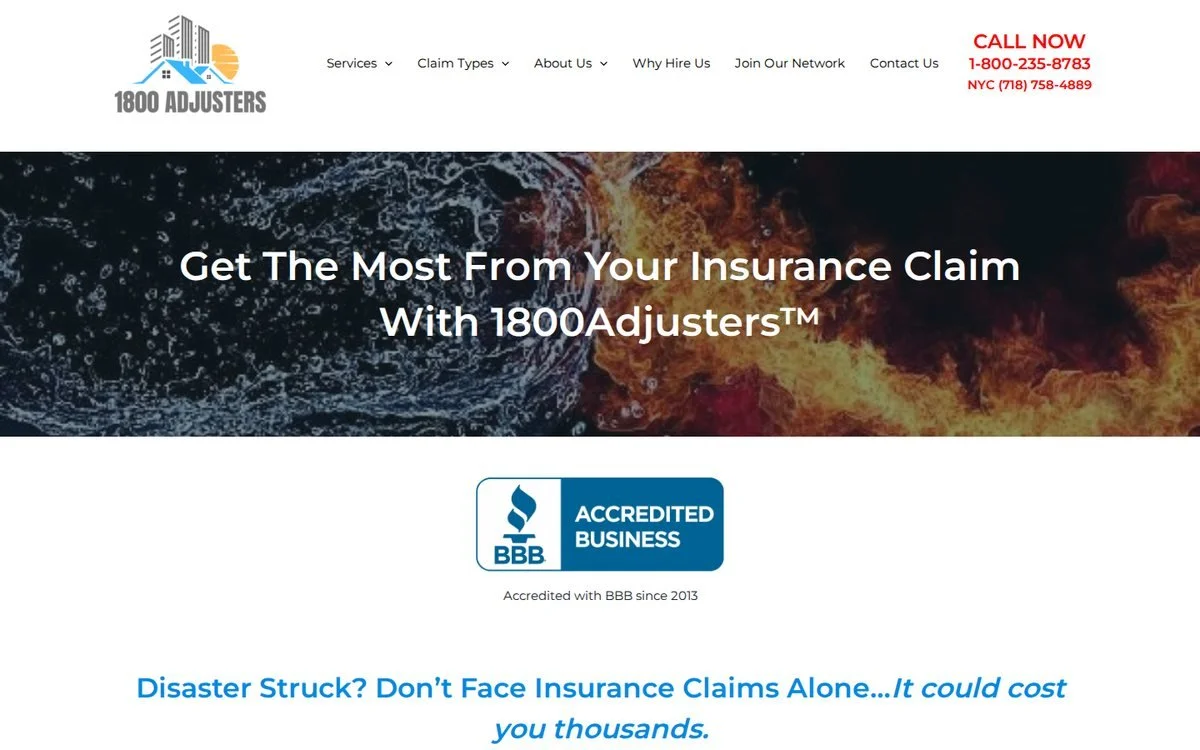 1-800-Adjusters
Mapping the structure.
The site map was cut to what could launch full. Pages that would open empty — results, testimonials, case studies — were held for phase two, so a brand-new firm reads as deliberate rather than unfinished.
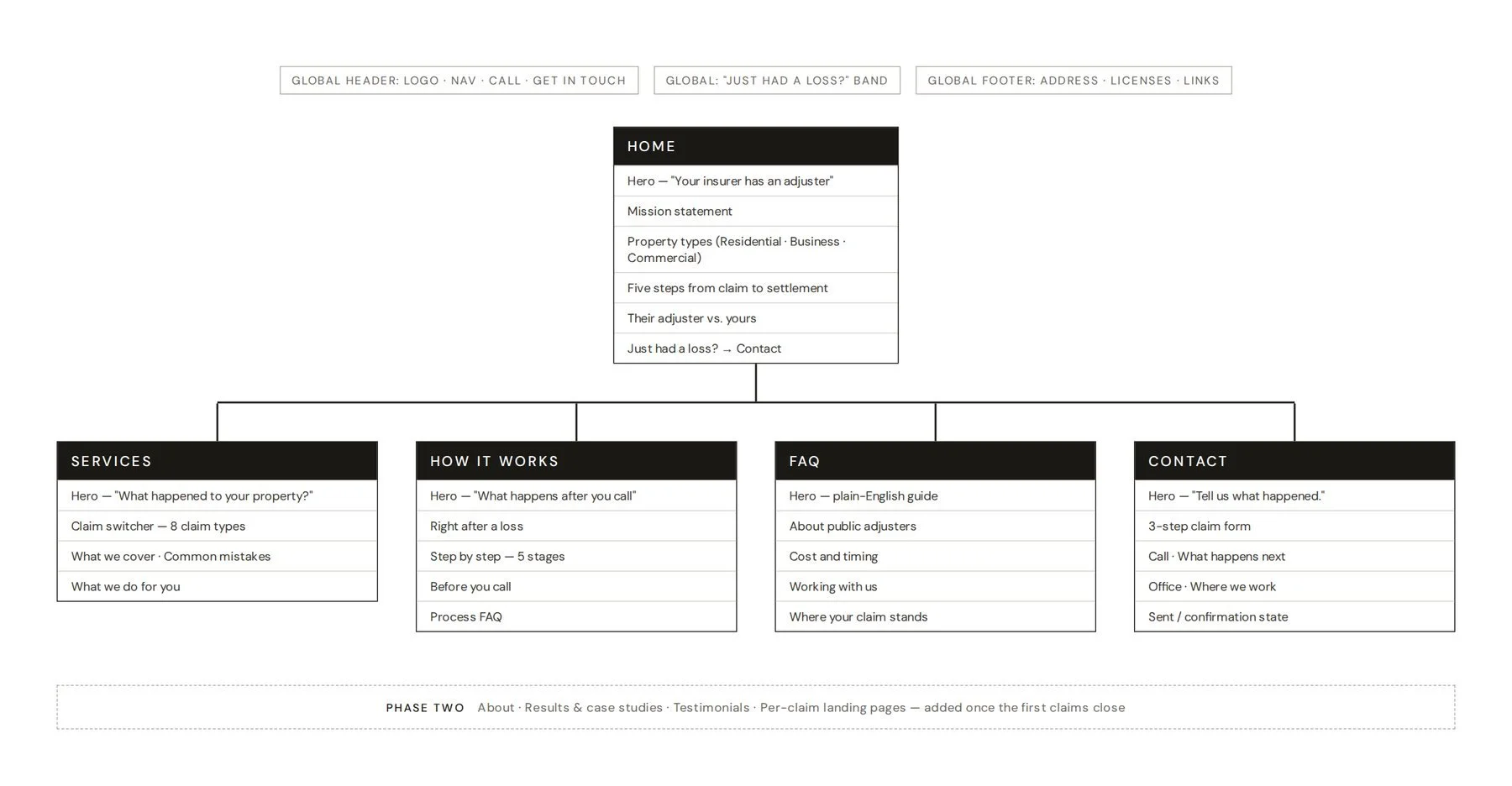 Site map — page hierarchy & section order
Structure before style.
With the site map as a guide, every page was wireframed in grayscale first — two to four layouts per page, compared side by side. The strongest option for each went to high fidelity.
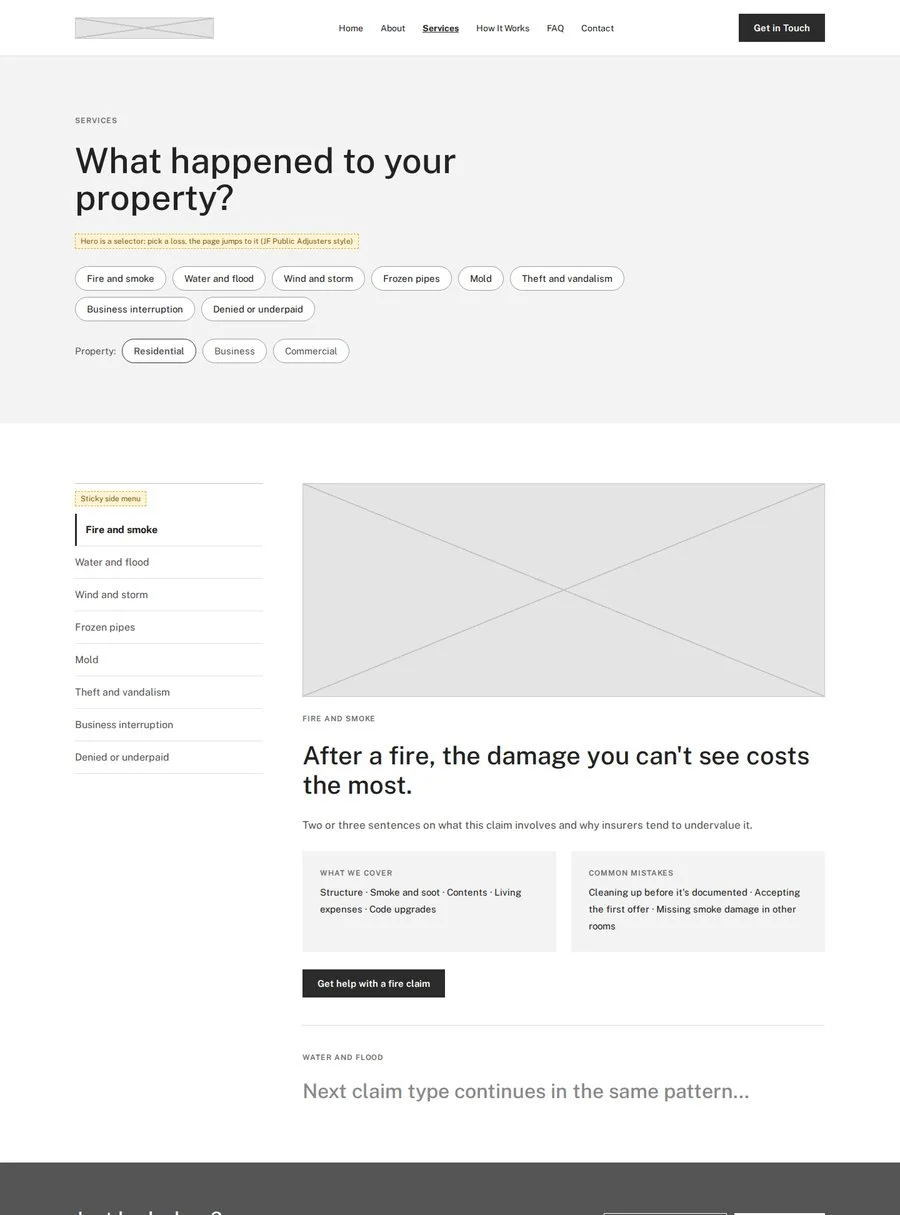 Services
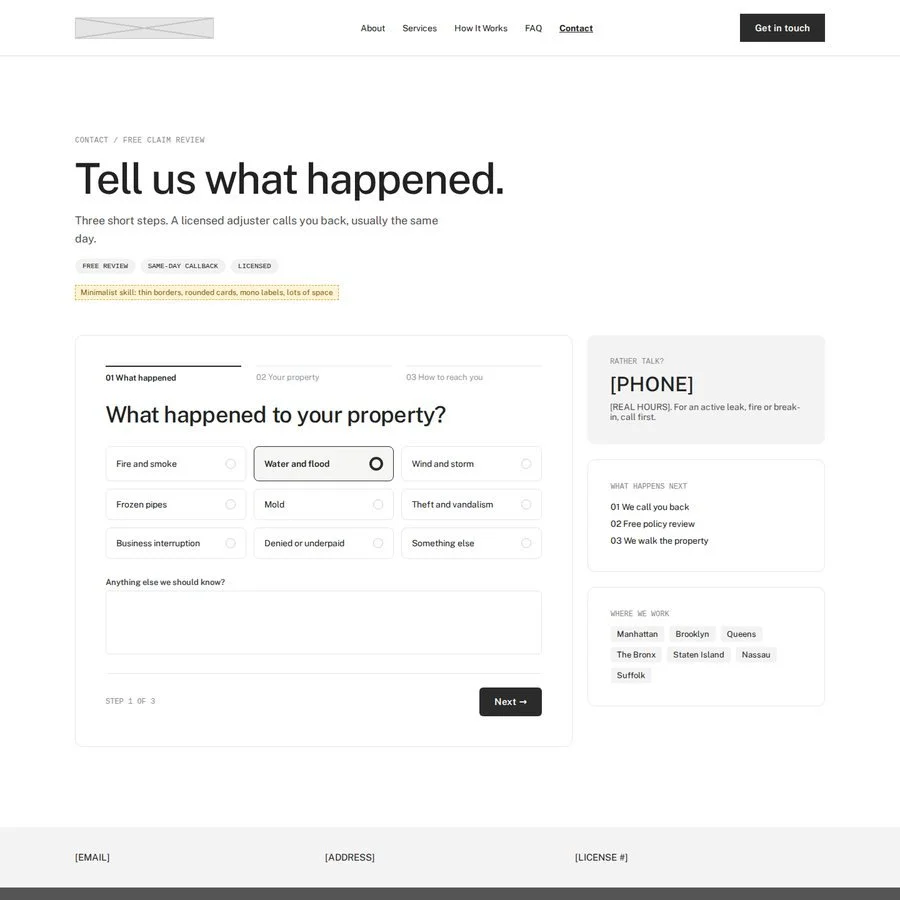 Contact
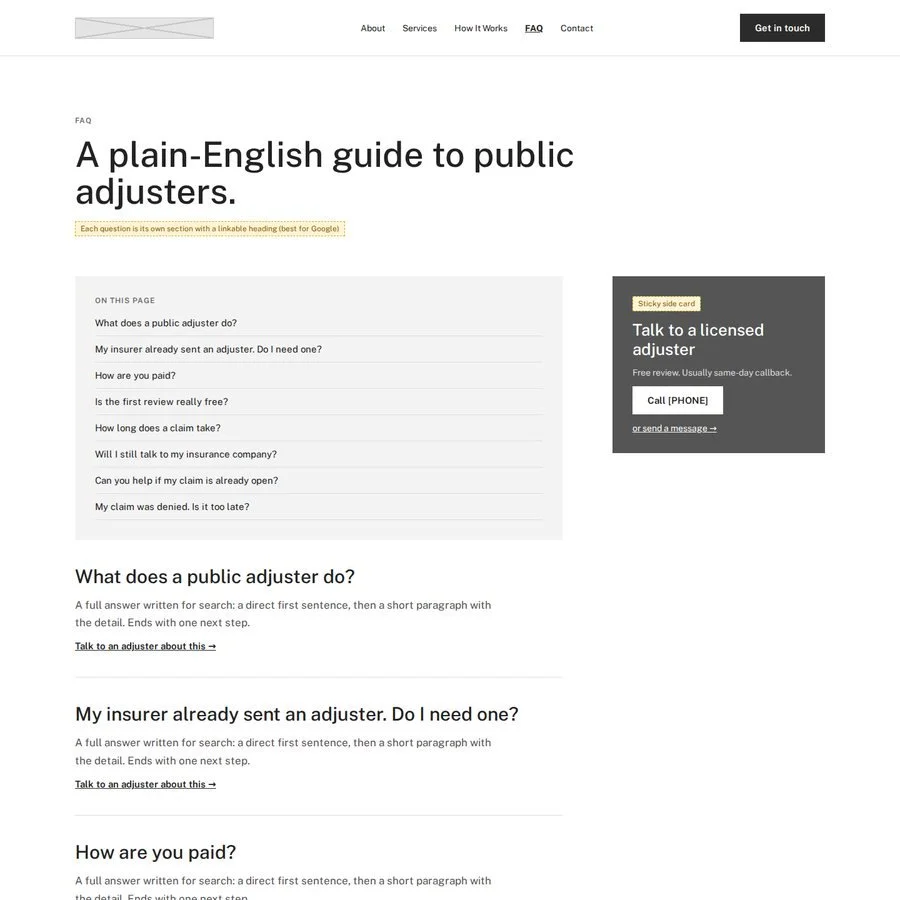 FAQ
FAQ
Chrome & Ink.
The palette was pulled straight from the logo: black and polished silver, no color accent. In a category where every competitor is blue, the absence of color is what makes Citadel recognizable.
Buttons are solid black on light grounds and white on dark ones, so calls to action rely on contrast alone. Silver only ever appears on dark backgrounds.
C60 M40 Y40 K100 (rich black)
C18 M12 Y0 K80
C13 M7 Y0 K51
C5 M3 Y0 K18
C1 M1 Y0 K4
C0 M0 Y0 K0
Two typefaces balance authority and plain speaking — an editorial serif that feels established, and a clear, civic sans for everything a stressed visitor needs to read fast.
nopqrstuvwxyz
nopqrstuvwxyz
Four rounds of refinement.
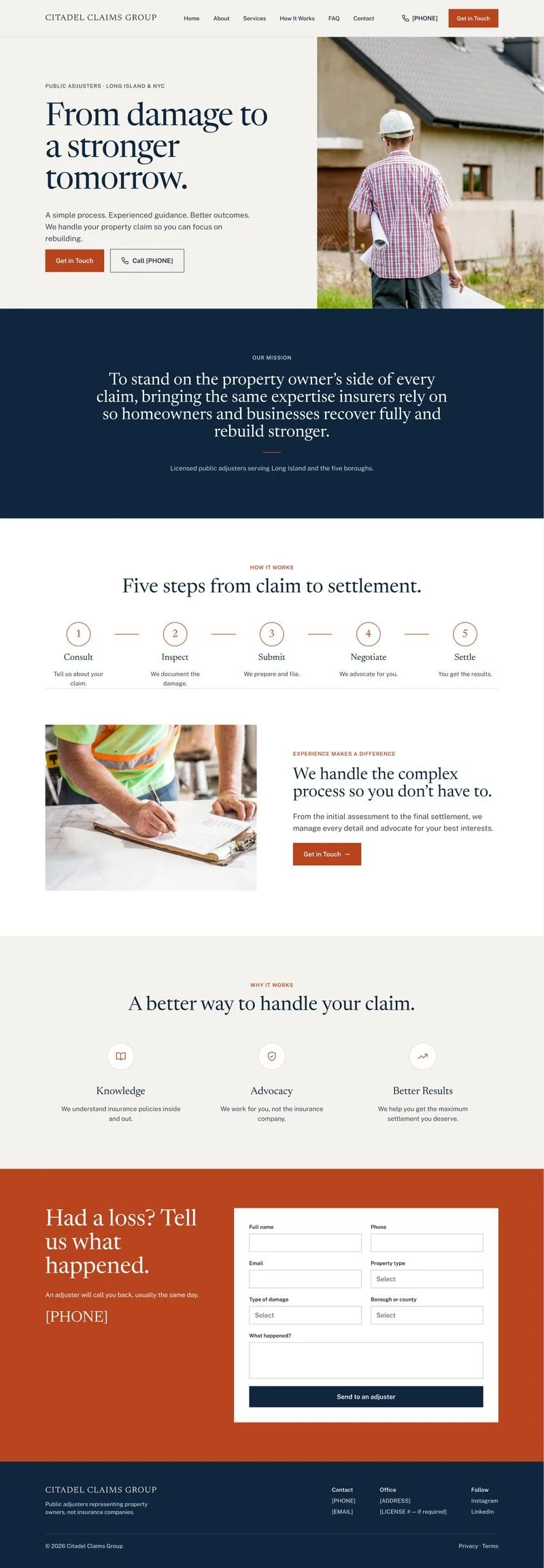
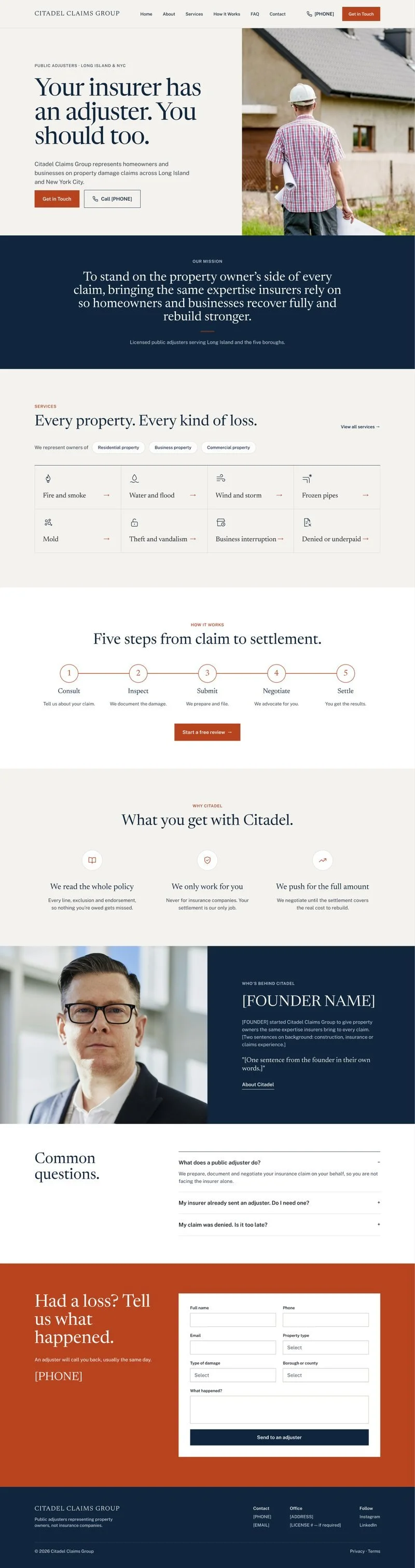
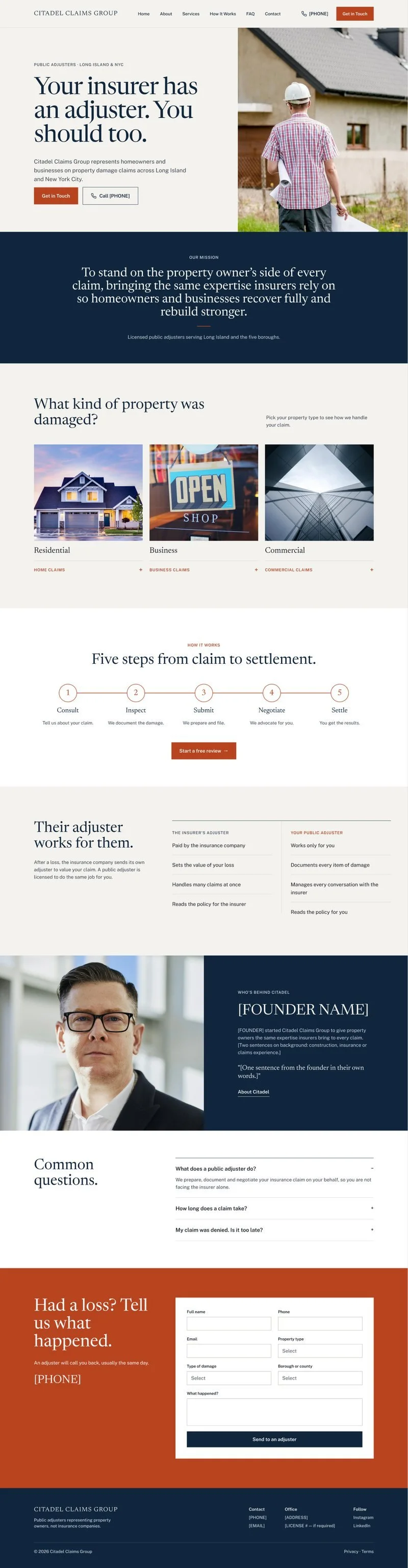
The homepage went through eleven versions in Figma. These four changed its direction — and each one moved on for a reason.

Everything on one page.
Built straight from the wireframe: credentials bar, property types, comparison, claims grid, an illustrated "road" process, founder, service area, FAQ and form. Why it changed: eleven sections made the page long, and the road illustration slowed the read on a phone.
A clear spine.
A mission statement band after the hero, the process cut to five horizontal steps, services moved up and the founder placed before contact. Why it changed: the structure worked, but the copy was generic and there was no action under the steps.
Say it in one line.
The headline became "Your insurer has an adjuster. You should too.", a call to action landed under the steps, "Why Citadel" got specific, and a short three-question FAQ answered objections early. Why it changed: the services grid and why-us block still read like every competitor.
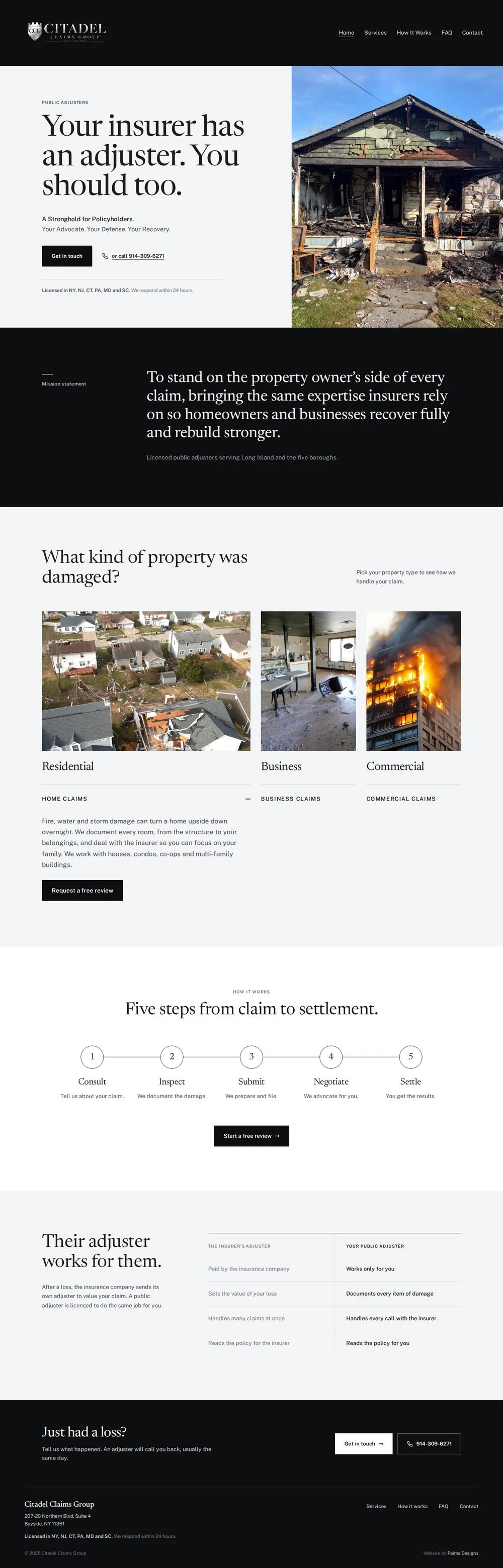
Cards and comparison.
Property cards — Residential, Business, Commercial — replaced the services grid, and "Their adjuster works for them" replaced the generic why-us. Why it changed: the layout was ready, but the navy-and-rust palette fought the client's black-and-silver logo.
Try the prototype.
Experience the interactive prototype directly here, or follow the link below to view it in Figma. Click through the design, test navigation, and see how the final website functions in a real-world flow.
The finished product.
citadelclaimsgroup.com ↗Every section was built as a paste-ready Squarespace code block — custom interactions, with the client still able to edit text, images and pages on their own.

What I learned.
A new business doesn't need to fake proof — it needs to remove doubt. Leaving out empty testimonial and results sections, and putting the license, the process and plain-English answers up front, did more for trust than placeholder praise ever could.
The biggest design decision came from the logo, not the mood board. Once the palette was taken from the mark itself, the site stopped looking like its competitors and started looking like Citadel.